Part of Vault-OS
Vault-OS Client: the only way in.
Vault-OS cannot be opened in a web browser, not from another machine and not from the one it runs on. Your team uses Vault-OS Client: it finds the vault on your network, checks its identity, and carries the entire product. It is free and comes with every Vault-OS install.
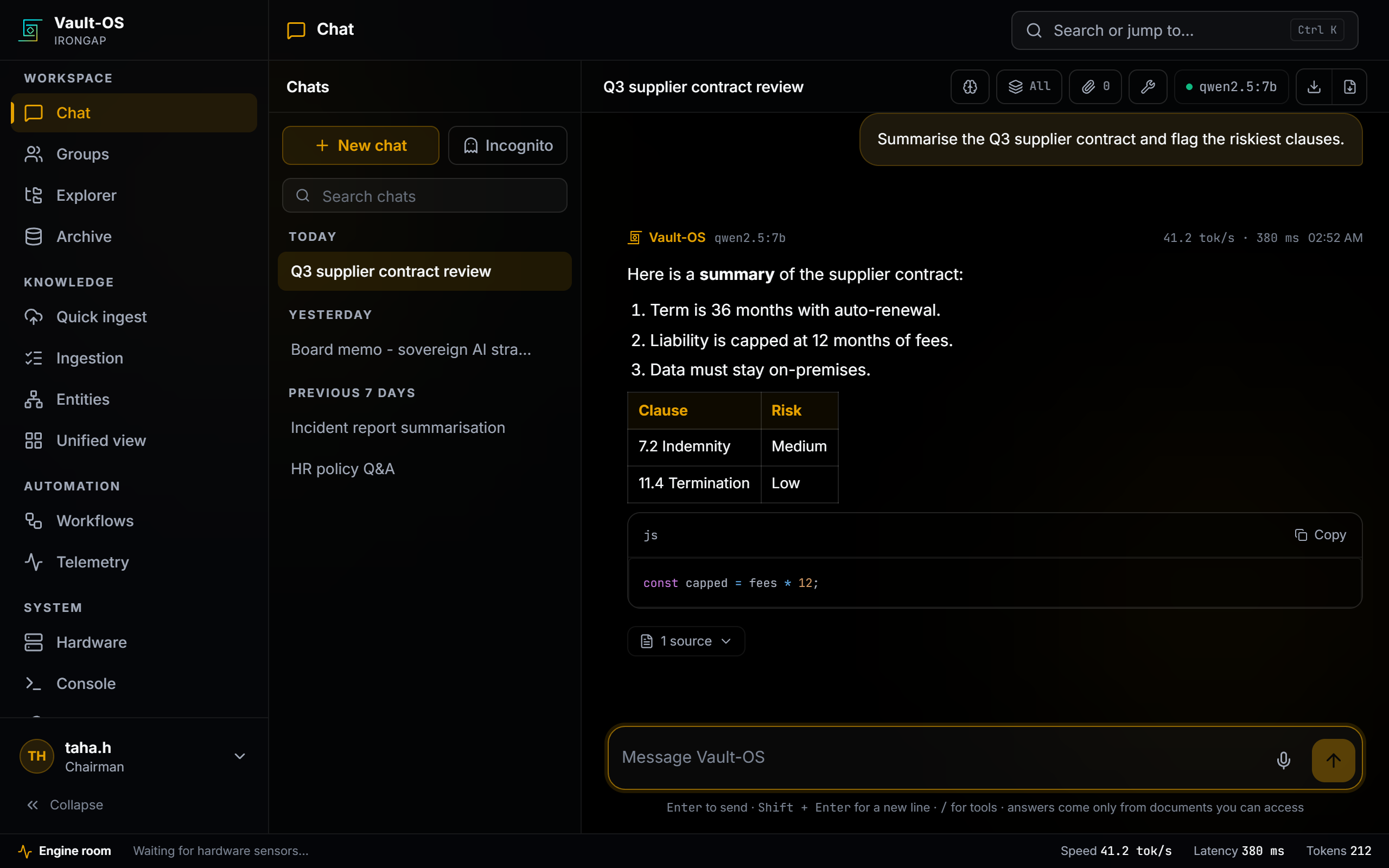
What Vault-OS Client does.
Finds the vault by itself
Vault-OS announces itself on the local network. The client lists what it finds. No address, no port, no configuration file.
Checks who it is talking to
The vault shows its certificate fingerprint on its own screen and advertises it on the network. The client shows the same number before you trust it.
The whole product
Chat, documents and folders, the entity map, workflows, monitoring and administration. Not a cut-down remote view.
Groups, voice and media
Group rooms with the assistant inside, voice and video notes, one-time-view attachments, captured in the client.
Why Vault-OS is not opened in a browser.
A general-purpose browser is the least controlled program on most machines. A dedicated client closes three common gaps.
Extensions can read the page
A browser is a large, extensible application. Any installed extension with page access can read what is on screen, including whatever the vault just decrypted. That surface is outside the appliance’s control and outside yours.
Pinning only works if it cannot be waved away
Vault-OS presents its own certificate. In a browser that is a warning people learn to click through. In a dedicated client it is a pin: trusted on first use, with any change surfaced instead of shrugged off.
Habits are the real risk
The realistic failure is not an attacker. It is someone typing the address into Chrome because that is what they always do. The gate closes that path, including on the machine Vault-OS runs on.
On the machines your people already use.
Available today on Windows and Android. macOS, Linux and iOS are in development.
- Windowsx64 · installerAvailable
- Androidarm64 · APKAvailable
- Windows · portablex64 · zip, no installerAvailable
- macOSApple silicon & Intel · dmgPlanned
- Linuxx64 · deb / AppImagePlanned
- iOSiPhone & iPad · ipaPlanned
Devices on the vault's network can also download the client straight from the vault itself, at /get-client.